
About Us
Who we are
SA Radio Setup is an informational website focused on making car radio setup easier to understand. We created this platform for drivers who want straightforward guidance without having to work through confusing technical information.
Car radio systems can include many different functions, settings, and listening options. For someone who is unfamiliar with these features, even basic setup can sometimes become frustrating. Our purpose is to provide simple explanations and practical guidance that help visitors understand their options.
In addition to radio setup guidance, our website provides information related to available channel subscriptions. We aim to make it easier for visitors to understand channel access and make informed choices according to their listening preferences.
Our Purpose
Our purpose is to make car radio information accessible to everyday users. We believe useful technical guidance should not require advanced knowledge or specialist terminology.
Many drivers simply want to know how to configure their radio, find available channels, adjust settings, or understand what options are available. We focus on these practical needs and present information in a clear and organized way.
We also understand that people use their radios differently. Some drivers may primarily listen during their daily commute, while others may use their radio during long journeys or road trips. Our content is therefore designed to be useful across different driving and listening situations.
Our Purpose
Our purpose is to make car radio information accessible to everyday users. We believe useful technical guidance should not require advanced knowledge or specialist terminology.
Many drivers simply want to know how to configure their radio, find available channels, adjust settings, or understand what options are available. We focus on these practical needs and present information in a clear and organized way.
We also understand that people use their radios differently. Some drivers may primarily listen during their daily commute, while others may use their radio during long journeys or road trips. Our content is therefore designed to be useful across different driving and listening situations.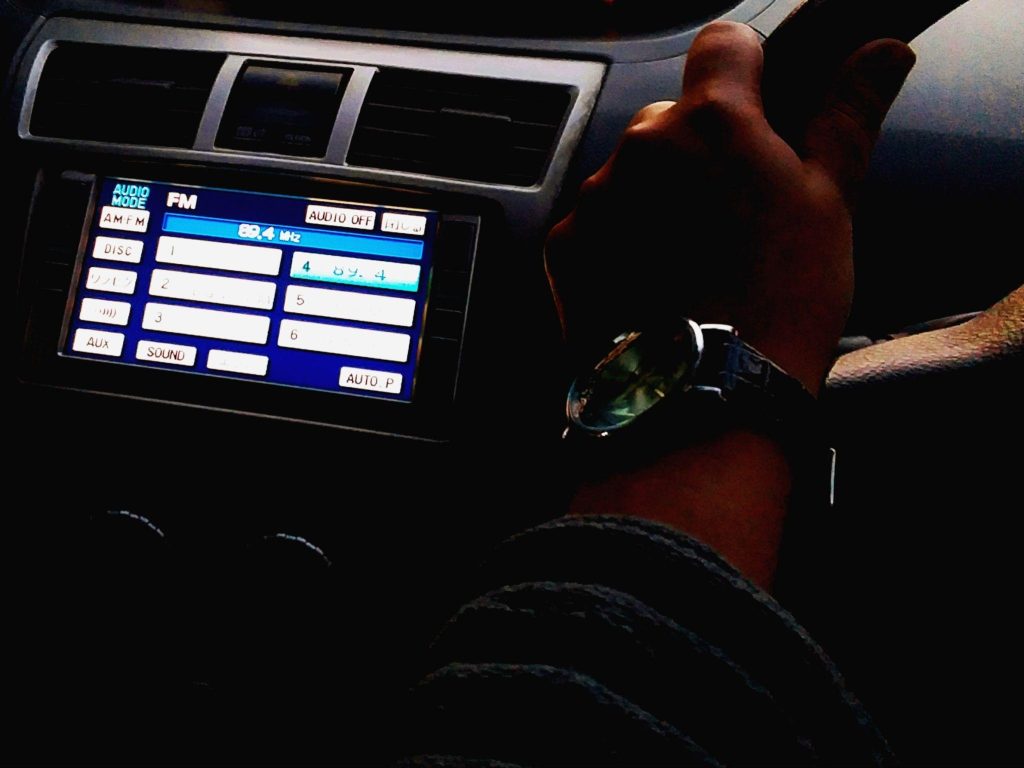
What We Provide
Our website focuses on several areas connected with car radio use and channel access.
We provide general guidance that can help visitors understand radio setup procedures, basic settings, channel selection, reception-related considerations, and common listening functions. We also provide information about subscription-based channel access where applicable.
The information is organized to make navigation easier. Rather than expecting visitors to understand technical concepts before getting started, we aim to explain important points in a logical order.
Our goal is not to make radio setup seem complicated. Instead, we want visitors to have a clearer understanding of what they are doing and why a particular setup step may be necessary.
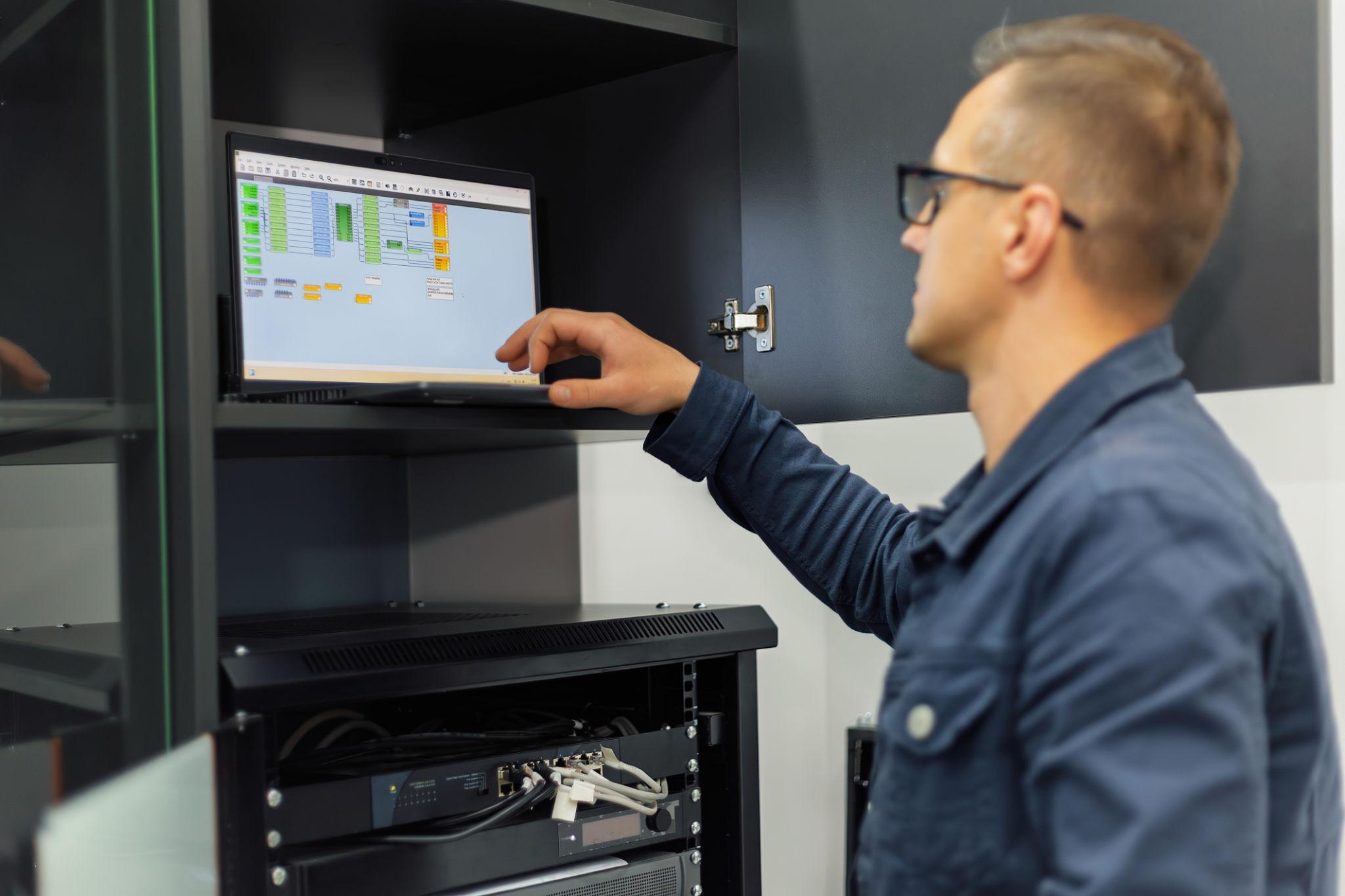
Our Approach to Guidance
We believe good guidance should be simple, practical, and honest.
For this reason, we avoid unnecessary technical language wherever possible. When a technical term is important, it should be explained in a way that makes sense to an everyday user.
We also encourage visitors to follow instructions carefully. Different vehicles and radio systems can have different controls and features, so information provided on our website should be considered general guidance unless a particular setup is clearly specified.
When a problem involves electrical wiring, internal vehicle components, complicated installation, or a potentially unsafe situation, professional assistance may be appropriate. We do not encourage users to perform work beyond their level of knowledge or experience.
Can't find your Radio ID? Need help with billing, subscriptions, activation, renewals, signal issues, account access, radio transfers, or any other SiriusXM-related questions?
(855)-657-9068